01
One place
Films, series, live channels and playlists in a single interface, with a Discover carousel that puts your titles up front from the home screen.
LisTuner is an IPTV and M3U player for Apple TV, iPhone and iPad. It brings the films, series, live channels and programme guide of your own IPTV service or M3U playlist into one interface, made for the living-room screen as much as for your pocket.
One-time purchase · No subscription · Your own sources
The LisTuner experience
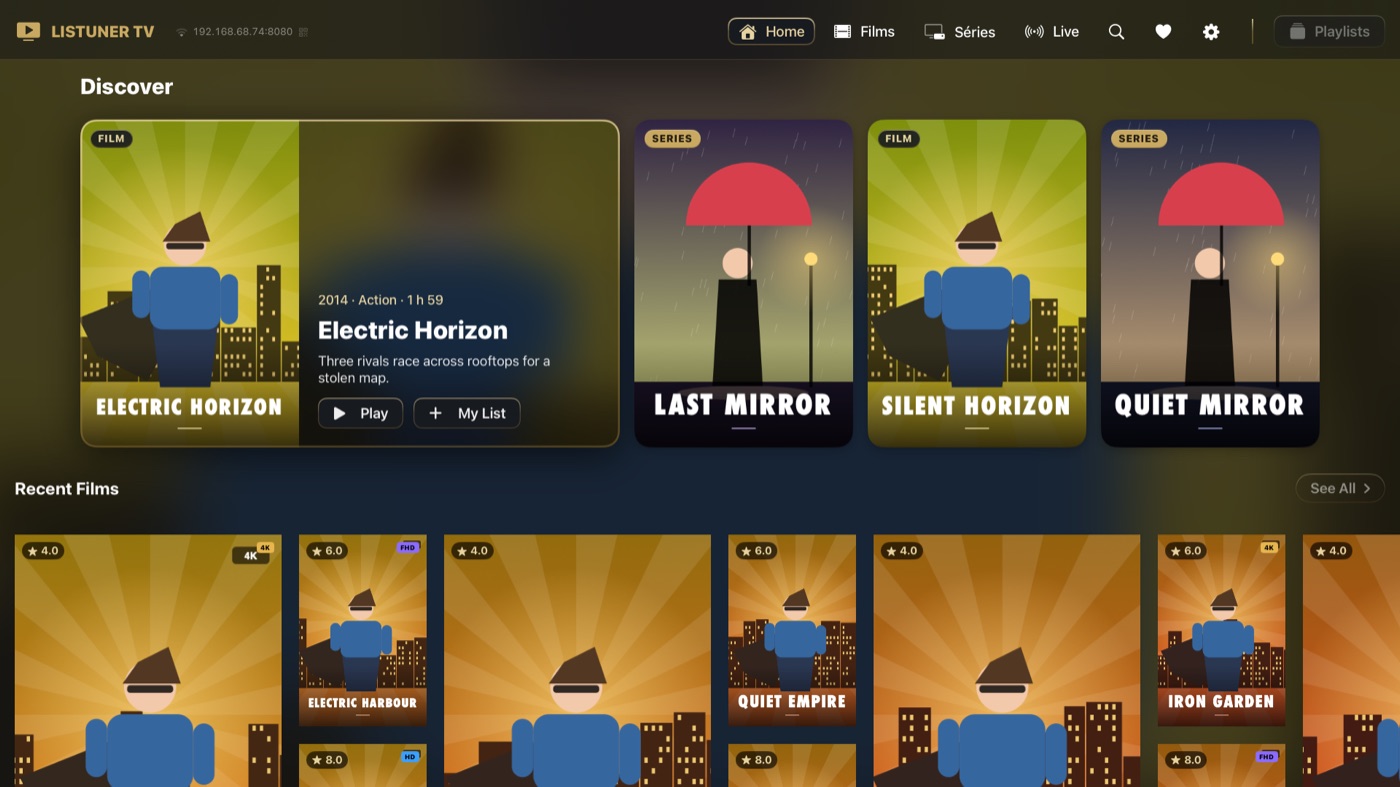
Films, series, live channels and playlists in a single interface, with a Discover carousel that puts your titles up front from the home screen.
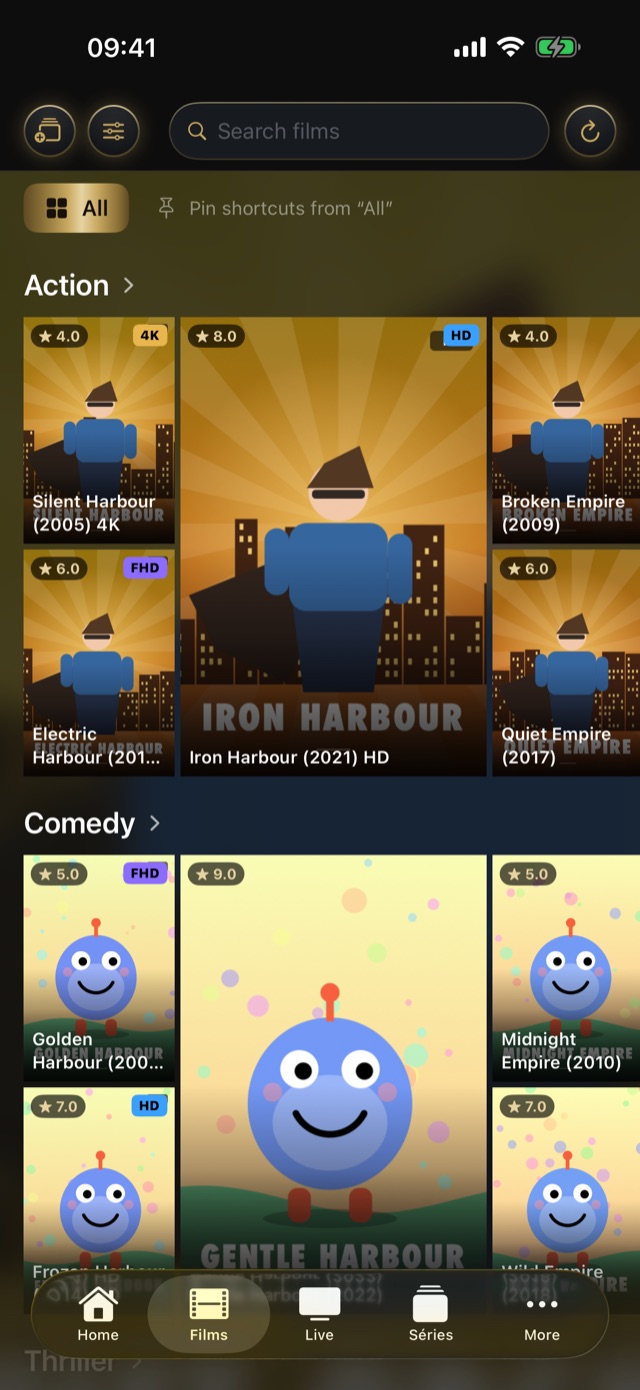
Browse your catalog by category, with shortcuts to the ones you use most, and find any title with search. Select several titles at once to add them to your favorites or a playlist.
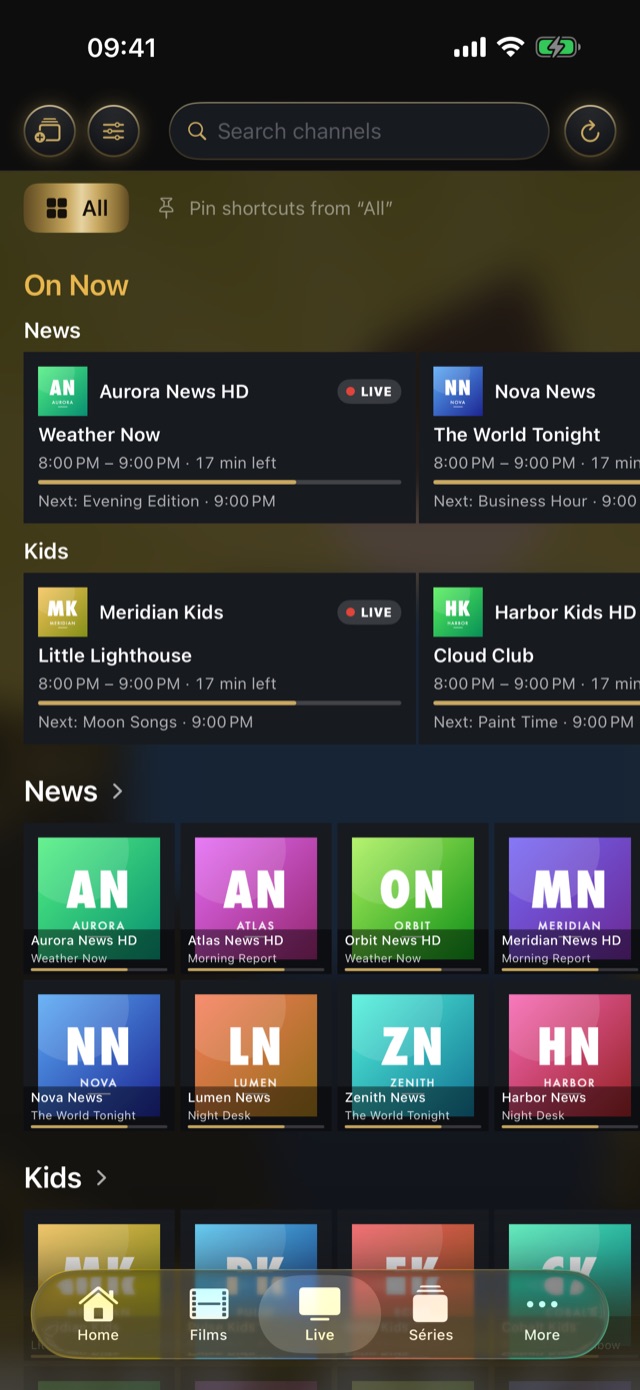
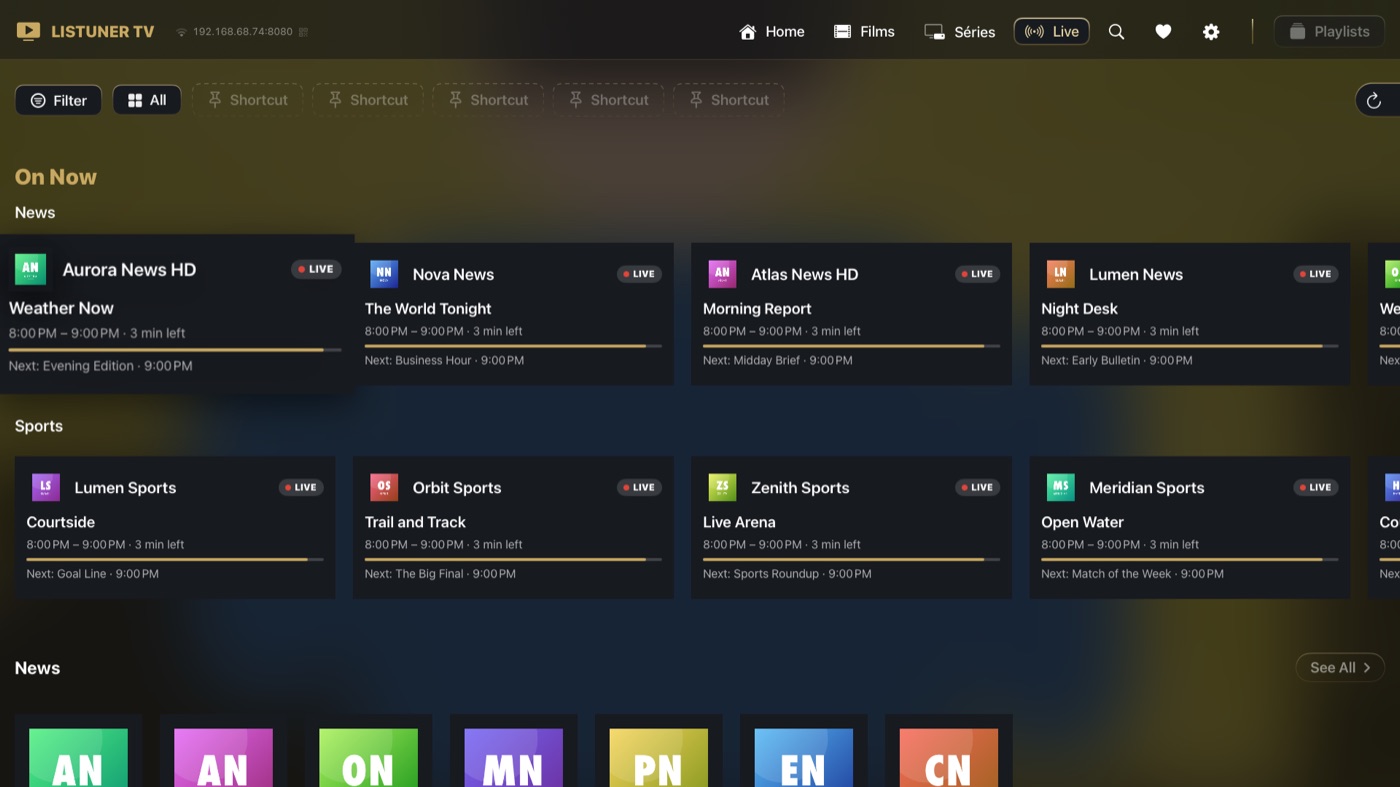
What is on now, at a glance: the current programme, how far along it is, and what comes next. A channel starts with one click, with an adjustable live buffer for a faster start.
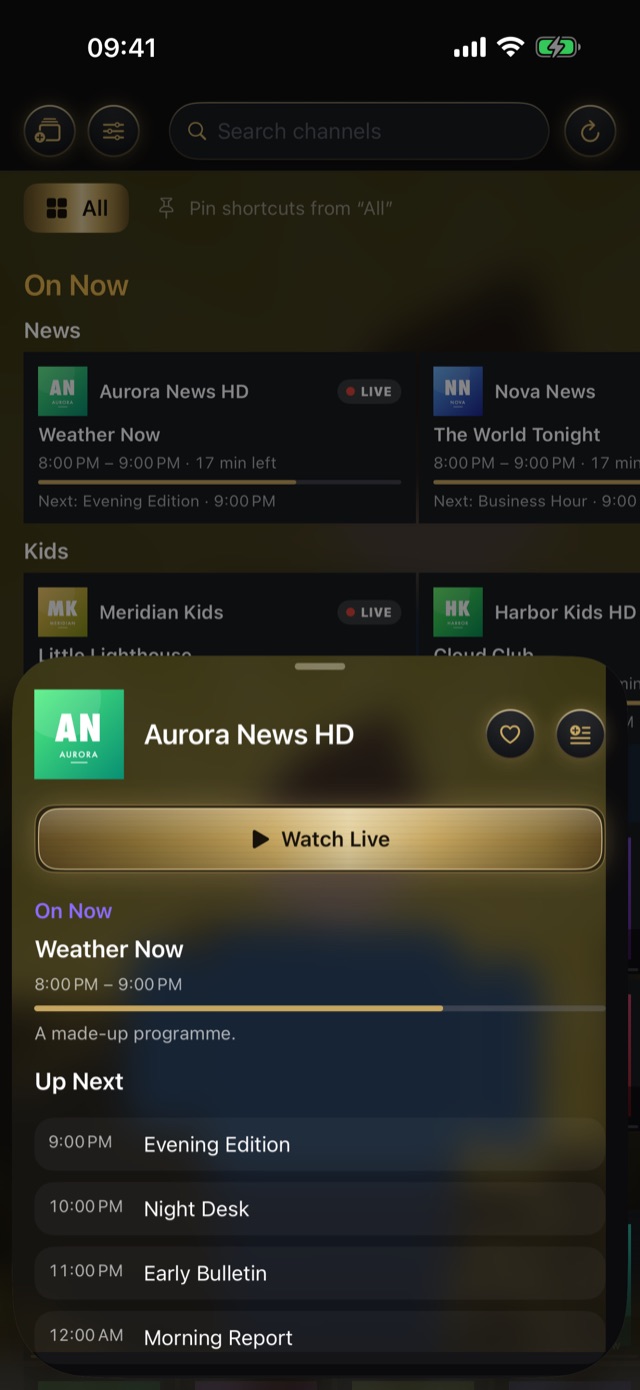
The programme on air and up next for every channel, supplied by your own service.
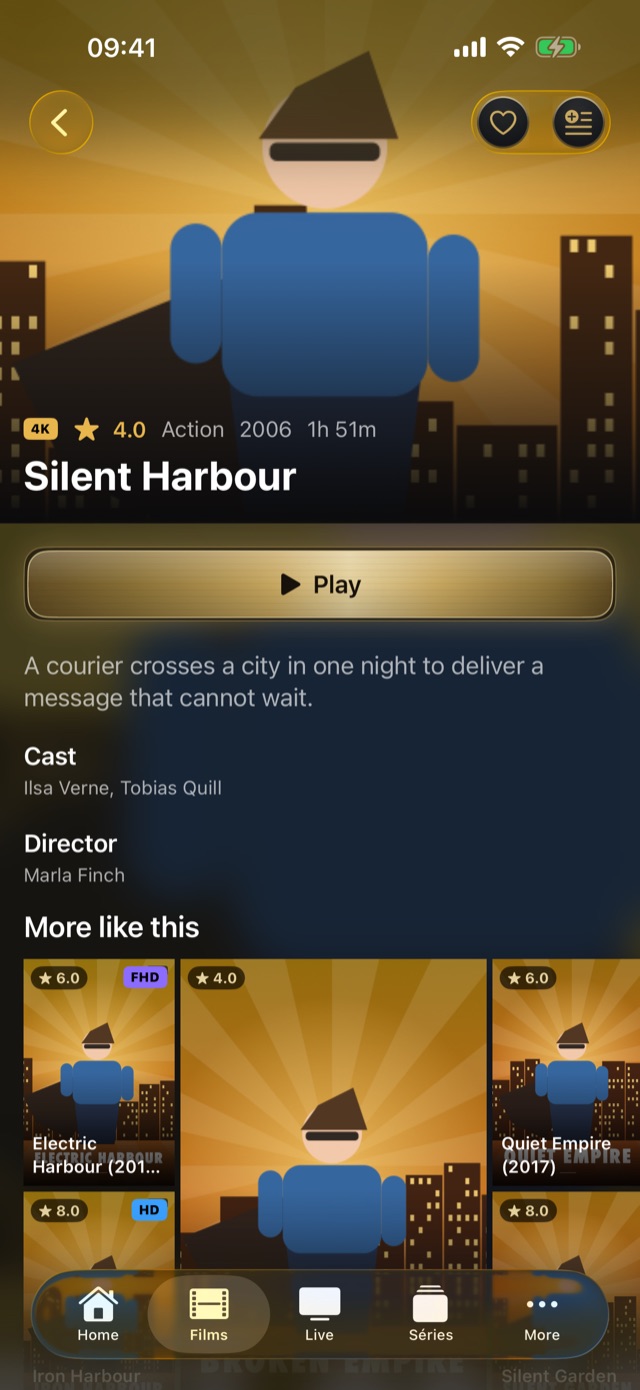
Add your playlists, favorites and custom lists. Put them, and the titles inside, in the order you like, and show channels with their programme on air or as plain logos. Favorites and custom playlists are part of Premium.
Apple TV · Premium
Multi-view puts four live streams on screen at once. The sound follows the channel you point at, and one click brings it forward.
Multi-view depends on your provider and the quality of your connection: several streams at once can cause interruptions if either is limited.
Apple TV · Premium
Open a page in your phone's browser, on the same home network, and browse and search the whole catalog just like in the app. Add videos to the queue, build up your favorites and your custom playlists, then start playback on the TV and control the player. Far more than a play / pause button. And all of it while the video keeps playing on the TV.
Pair with a QR code and a 4-digit code. You can revoke a phone at any time in Settings.
Premium · iPhone, iPad and Apple TV
Add several provider playlists and switch between them in the app. With iCloud sync, your favorites, playlists, progress and watched channels are synchronised through your own private iCloud account, where the option is available.
Premium features. The free version includes one provider playlist.
An experience on every device
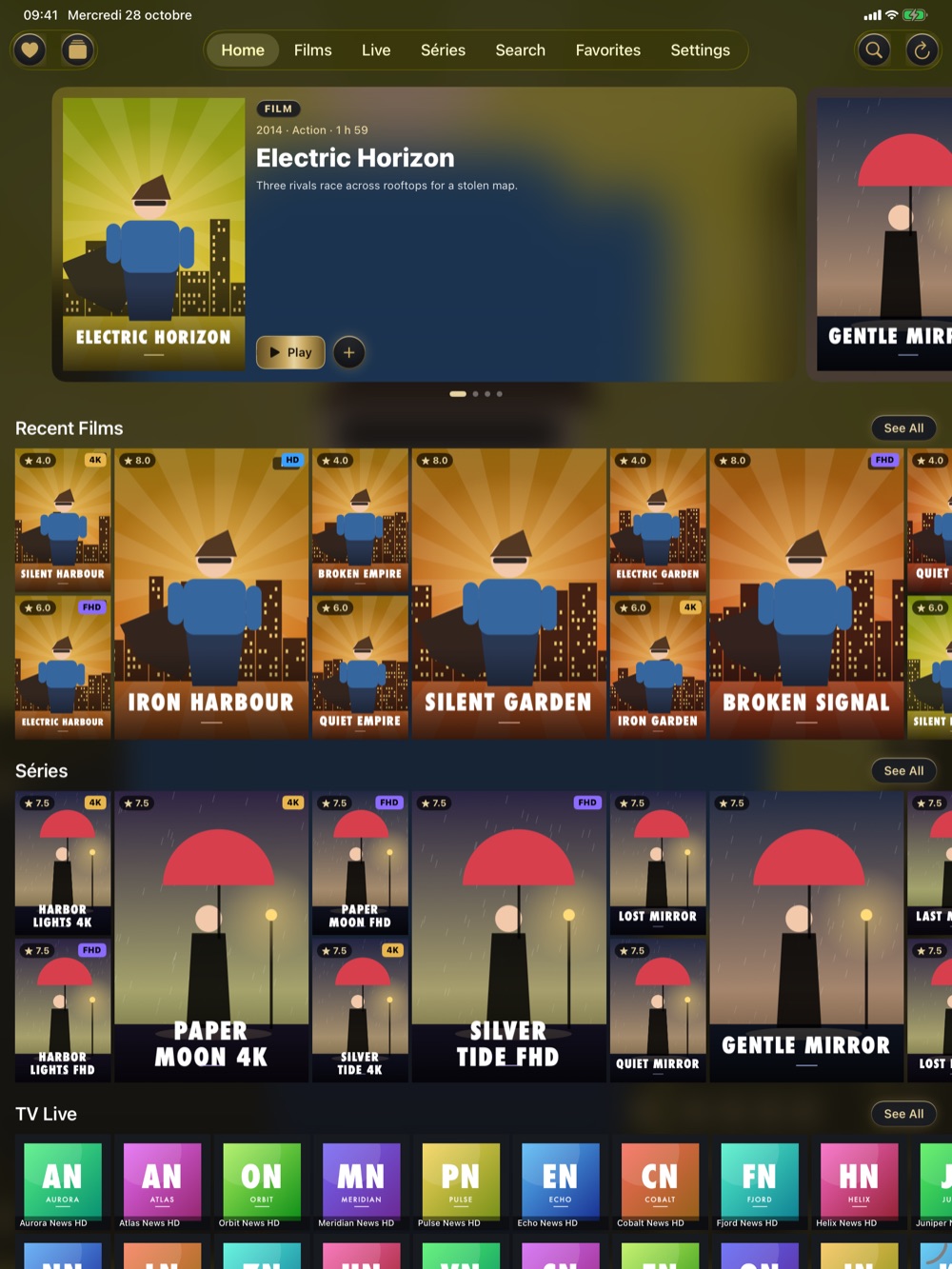
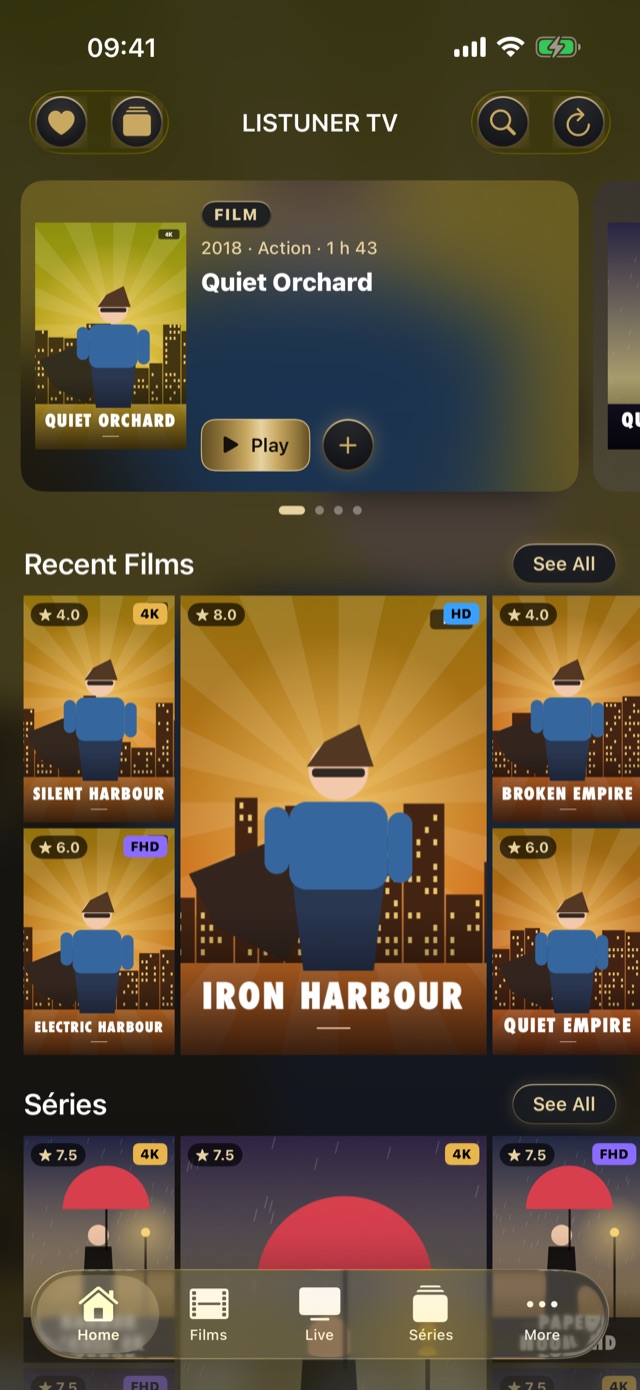
Your catalog in your pocket and on your tablet: films, series, live channels and the programme guide.
The living-room experience, on the big screen.
Two apps, two purchases. Premium is bought separately in each app: unlocking one does not unlock the other.
Simple and transparent
Free to start: 1 h 15 of viewing a day, one provider playlist and a small LisTuner mark over the picture. Nothing is collected: no account, no advertising, no analytics. Read the privacy policy
FAQ
LisTuner is an IPTV and M3U player for Apple TV, iPhone and iPad. It brings the movies, series, live channels and programme guide of your own service together in one interface.
No. LisTuner contains no channel, movie or series, and does not provide, recommend or sell any content source. You add the service of your own provider.
An Xtream login (address, username and password) or the address of an M3U playlist. This information comes from your own provider.
The download is free. The free version includes 1 h 15 of playback per day, one provider playlist and a small LisTuner logo on the picture. Premium adds features such as favourites, custom playlists, iCloud sync and, on Apple TV, multi-view and the web remote.
No. Premium is a one-time purchase, with no recurring subscription. It is bought separately in each app: the iPhone and iPad app and LisTuner TV for Apple TV are two separate purchases, and unlocking one does not unlock the other.
Multi-view shows four live channels on the screen at once. The sound follows the channel you select, and one click makes it bigger. It depends on your provider and the quality of your connection, and some providers limit the number of simultaneous connections.
On Apple TV, open Settings and start the web remote. On your phone, scan the QR code or enter the 4-digit code. From the phone you can browse the catalogue, search, build playlists, start playback on the TV, control the player and queue several titles. It works on your home network only, and it is part of Premium.
No. There is no account, no advertising and no analytics. The address and login of your service stay in your device's Keychain and are sent only to that service.

Free to download. Premium is a one-time purchase, specific to each app.